Execute Sample Flink Job
Prerequisites
Execute Sample Flink job with Karpenter
Set the env variables for the job execution role and s3 bucket name :
source set-env.sh
Navigate to example directory and submit the Flink job.
cd examples/flink/karpenter
Modify the basic-example-app-cluster.yaml by replacing the placeholders with values from the two env variables above.
envsubst < basic-example-app-cluster.yaml > basic-example-app-cluster1.yaml
Deploy the job by running the kubectl deploy command.
kubectl apply -f basic-example-app-cluster1.yaml
Monitor the job status using the below command. You should see the new nodes triggered by the karpenter and the YuniKorn will schedule one Job manager pod and one Taskmanager pods on this node.
kubectl get deployments -n emr-data-team-a
NAME                              READY   UP-TO-DATE   AVAILABLE   AGE
basic-example-karpenter-flink   2/2     2            2           3h6m
kubectl get pods -n emr-data-team-a
NAME                                               READY   STATUS    RESTARTS   AGE
basic-example-karpenter-flink-7c7d9c6fd9-cdfmd   2/2     Running   0          3h7m
basic-example-karpenter-flink-7c7d9c6fd9-pjxj2   2/2     Running   0          3h7m
basic-example-karpenter-flink-taskmanager-1-1    2/2     Running   0          3h6m
kubectl get services -n emr-data-team-a
NAME                                   TYPE        CLUSTER-IP      EXTERNAL-IP   PORT(S)    AGE
basic-example-karpenter-flink-rest   ClusterIP   172.20.17.152   <none>        8081/TCP   3h7m
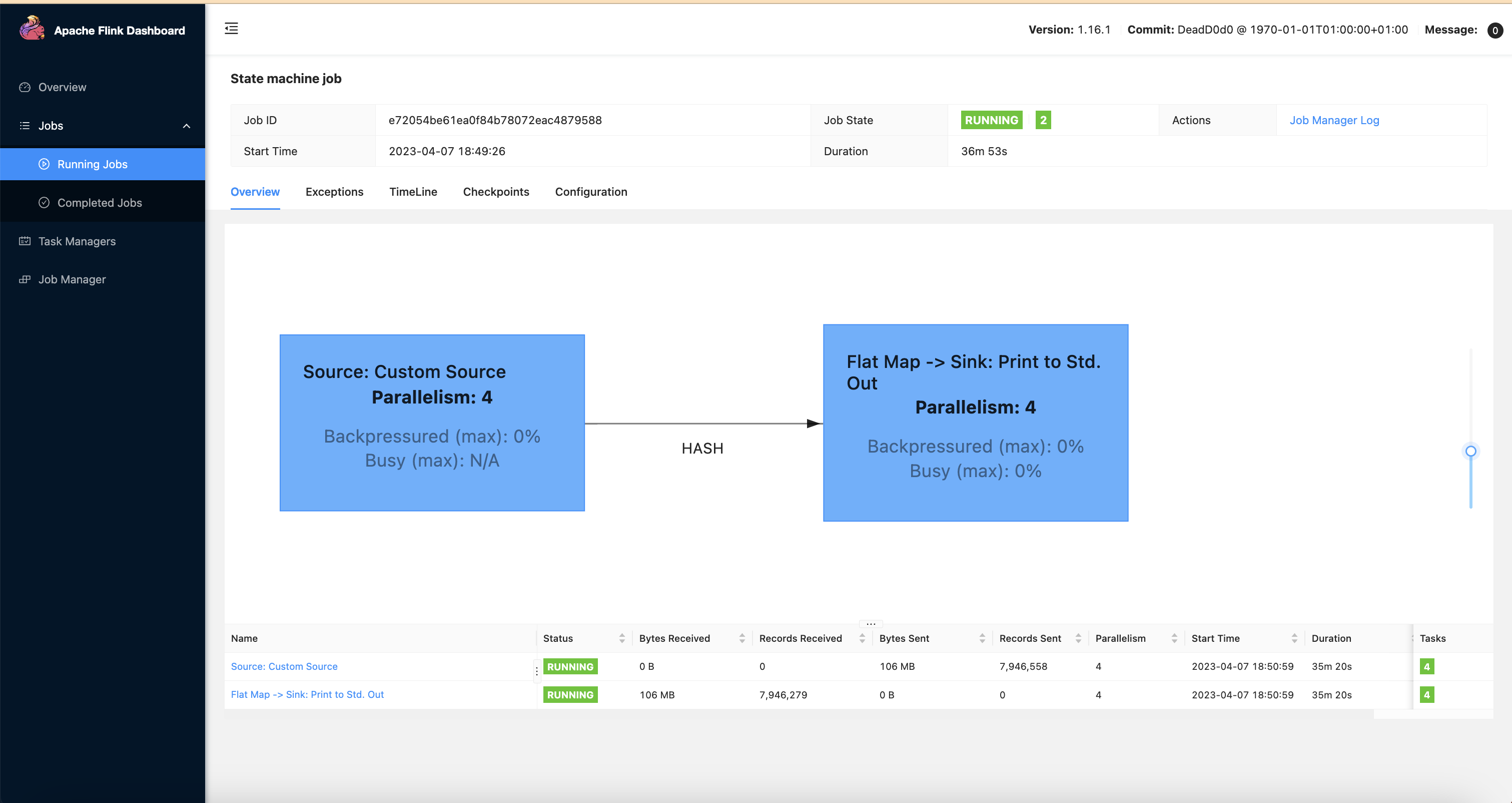
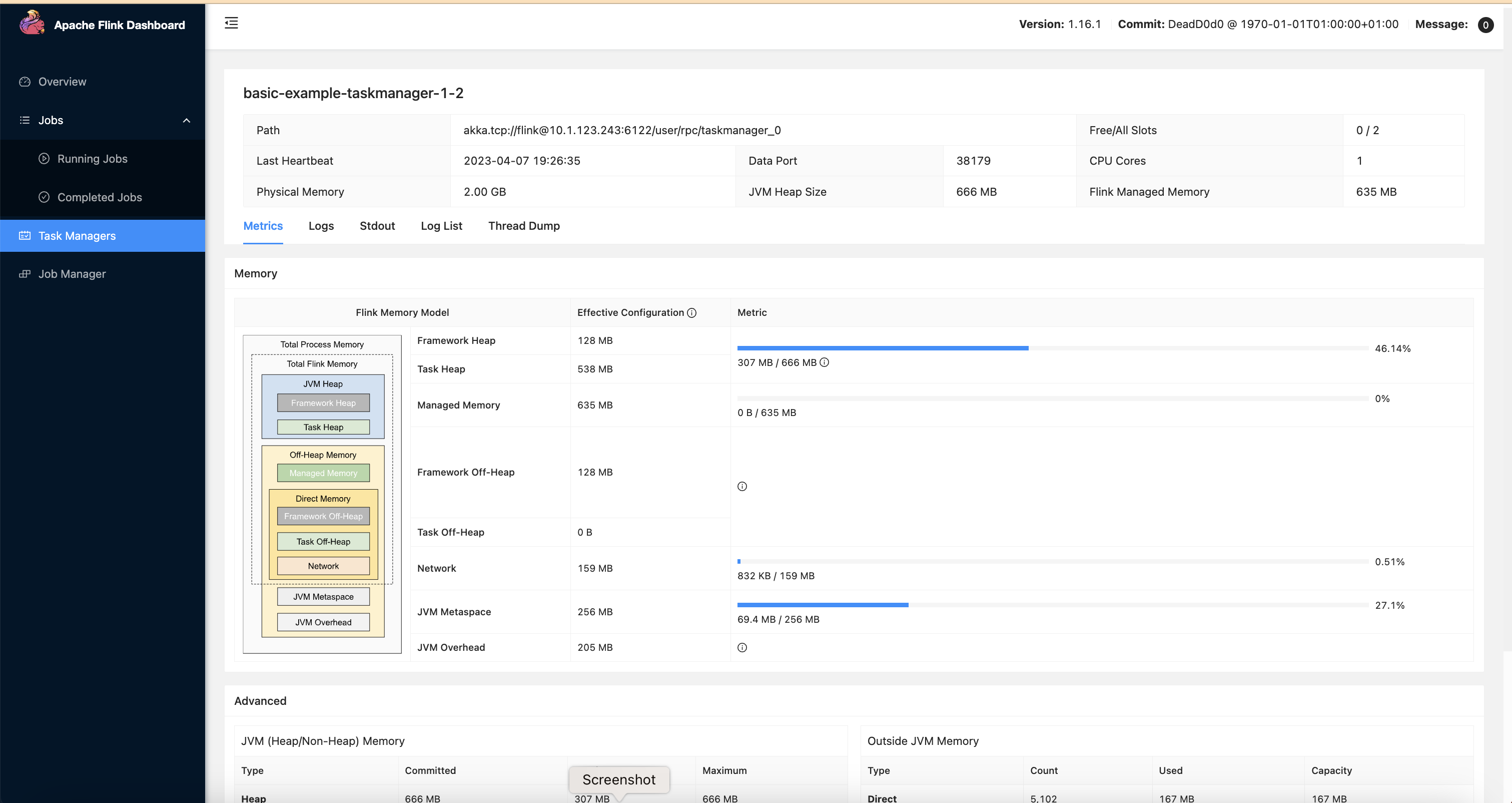
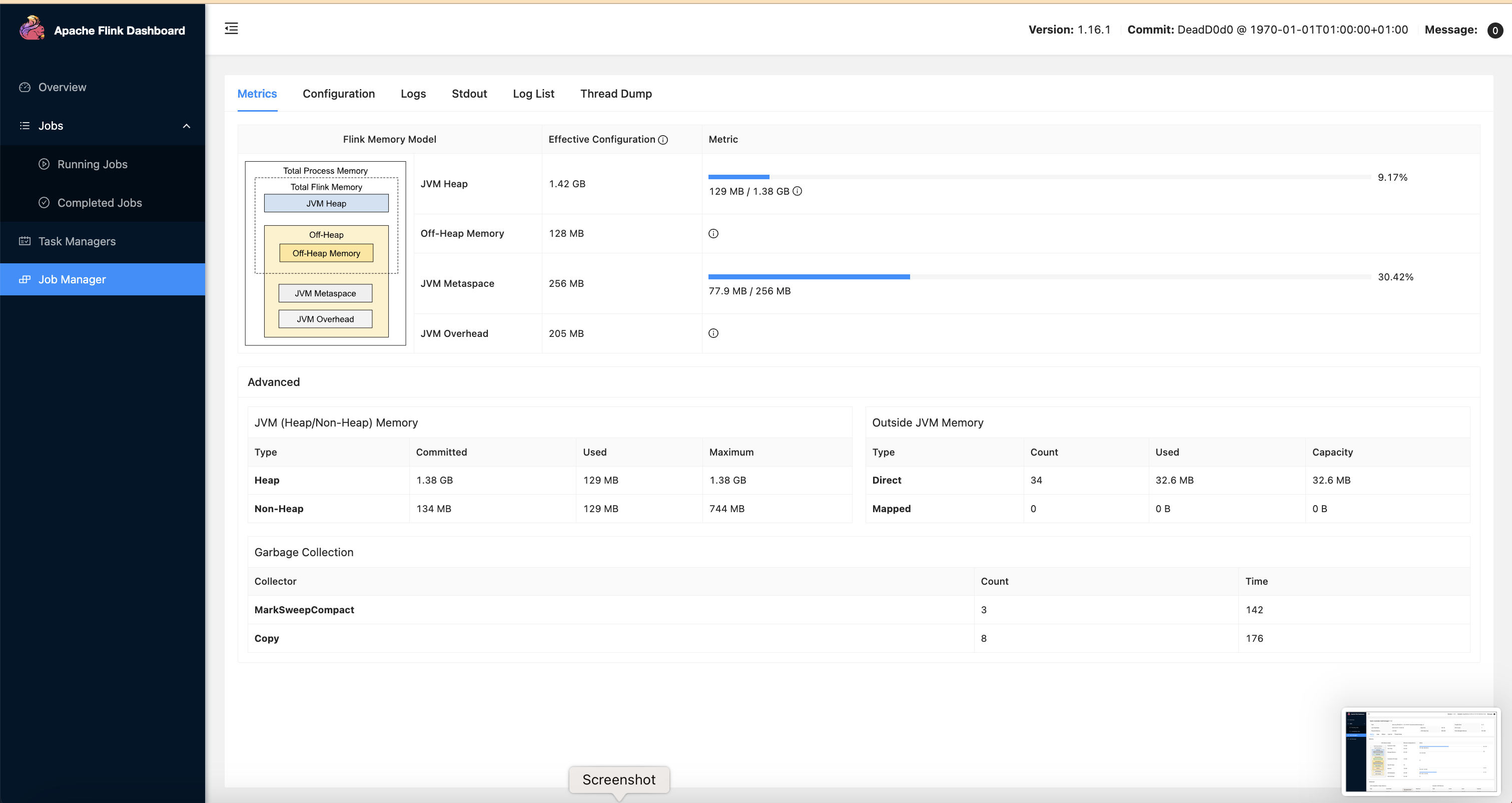
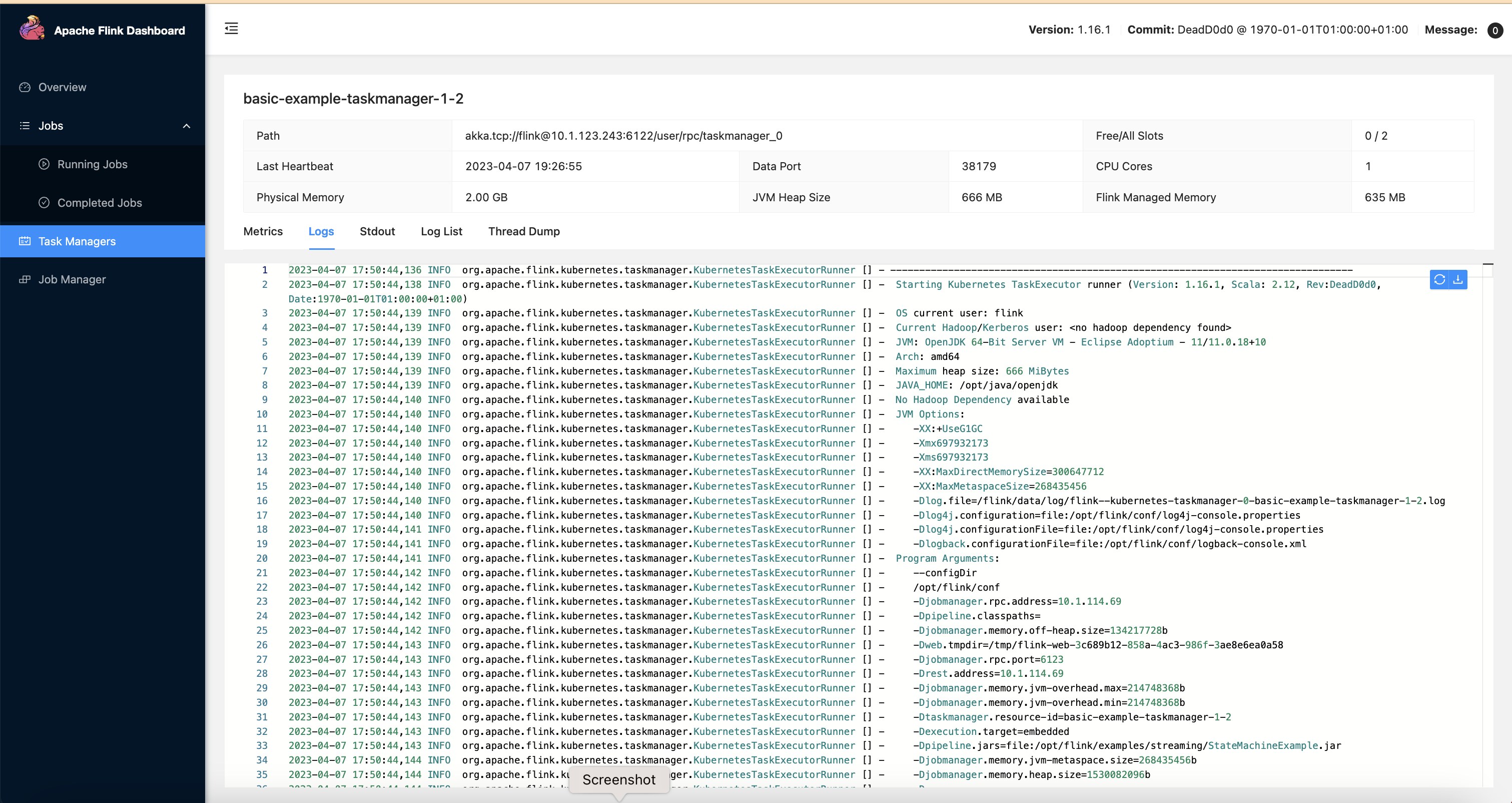
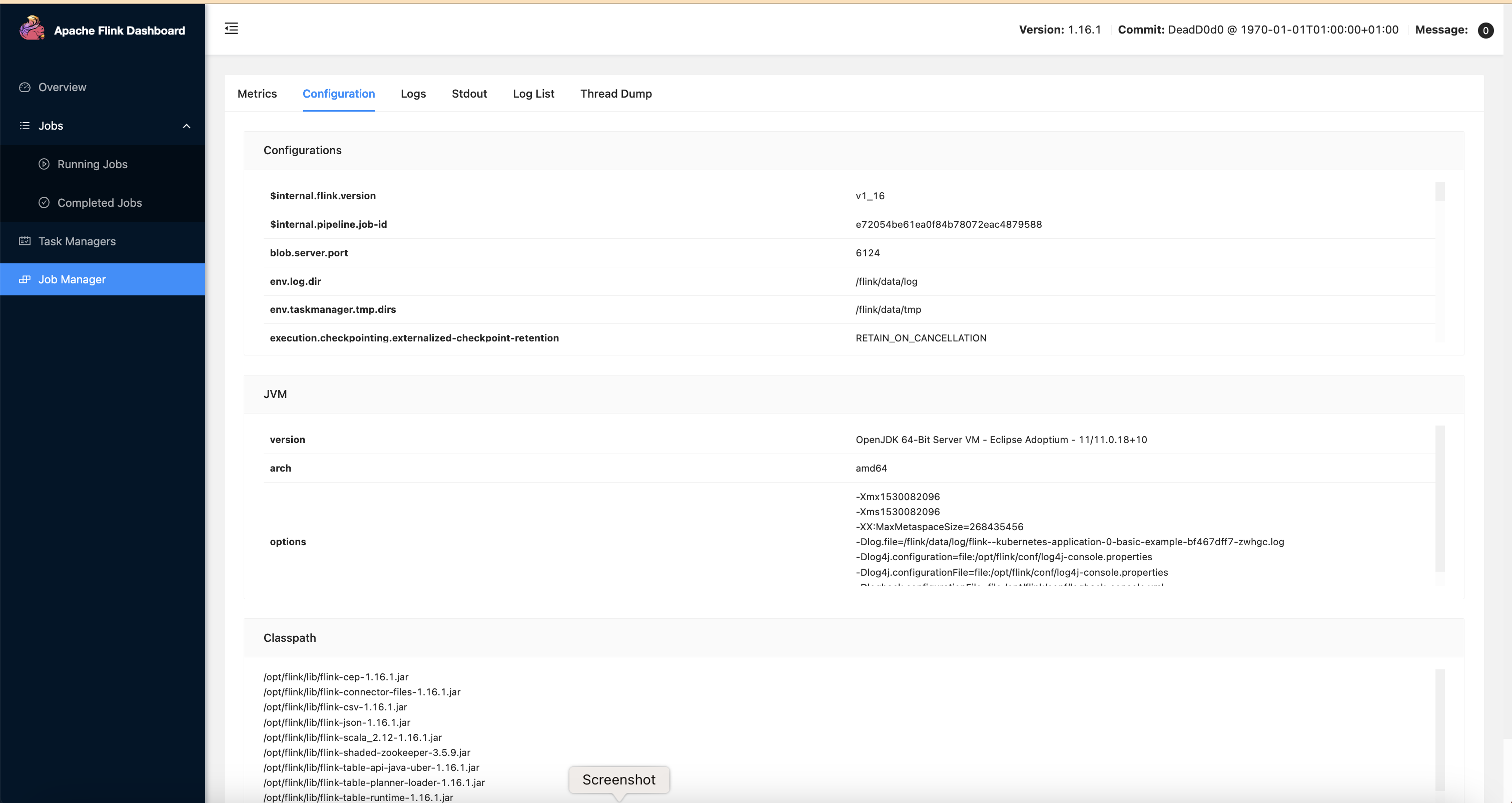
To access the Flink WebUI for the job, run this command locally.
kubectl port-forward svc/basic-example-karpenter-flink-rest 8081 -n emr-data-team-a