Import/Export application profiles
Feature in preview
This feature is only available on beta builds
Refer to this page to learn how you can easily share your application profiles between multiple EDH clusters.
Export an existing application
To share your application profile, go to "Application Management" section and navigate to "Import/Export" tab

Select the application you want to export from the dropdown menu then click "Export"
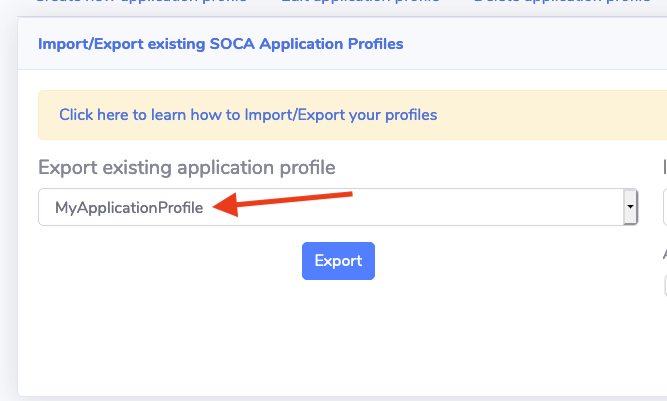
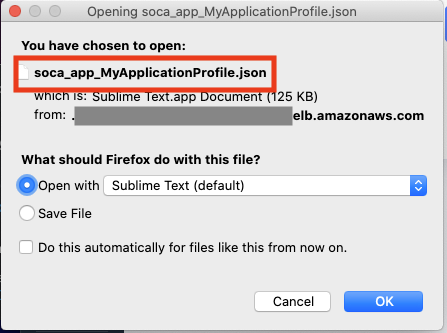
This will download a json file. Share this json file with whoever want to be able to use your application profile on their EDH environment
Import an existing application
To import an application profile, go to "Application Management" section and navigate to "Import/Export" tab
Specify an application name, upload a valid json then click Import
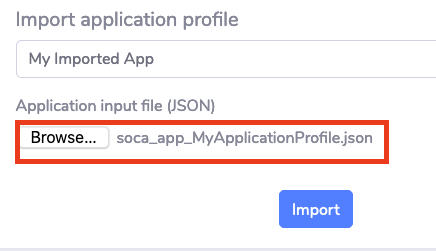
Your application will be imported successfully assuming the json provided is a valid EDH application profile

Your application is now available on EDH. You can edit it to make any change based on your own environment or start using it the way it is.